



Spinsahara App
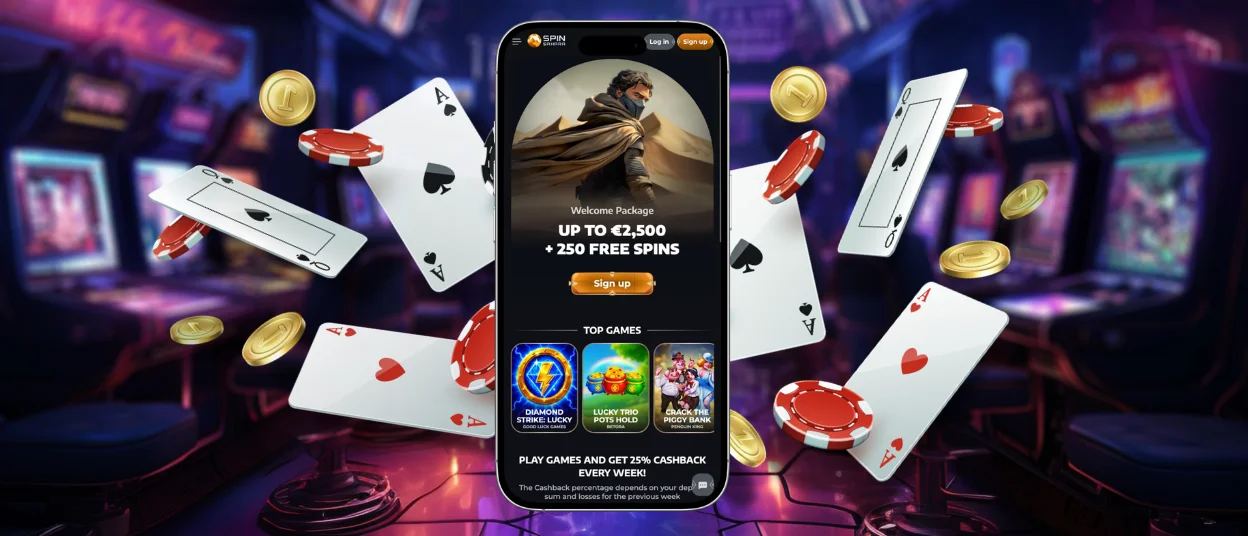
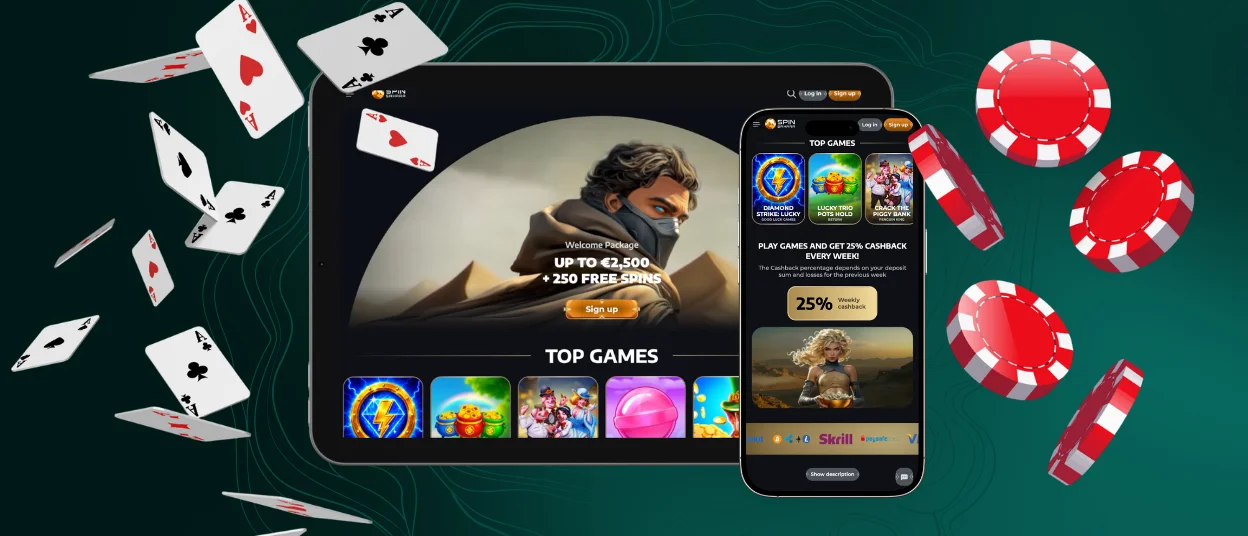
A phone may work better for a quick check, while a tablet or laptop may suit a longer session. The Spinsahara app follows that change of screen instead of tying you to one device. We use progressive web app (PWA) technology to make the casino available in an app-like format across supported mobile and desktop systems.



Spin Sahara App Features and Benefits
The app brings the main Spinsahara functions together in one mobile-friendly interface. You can see the key features below.
| App Feature | How It Works |
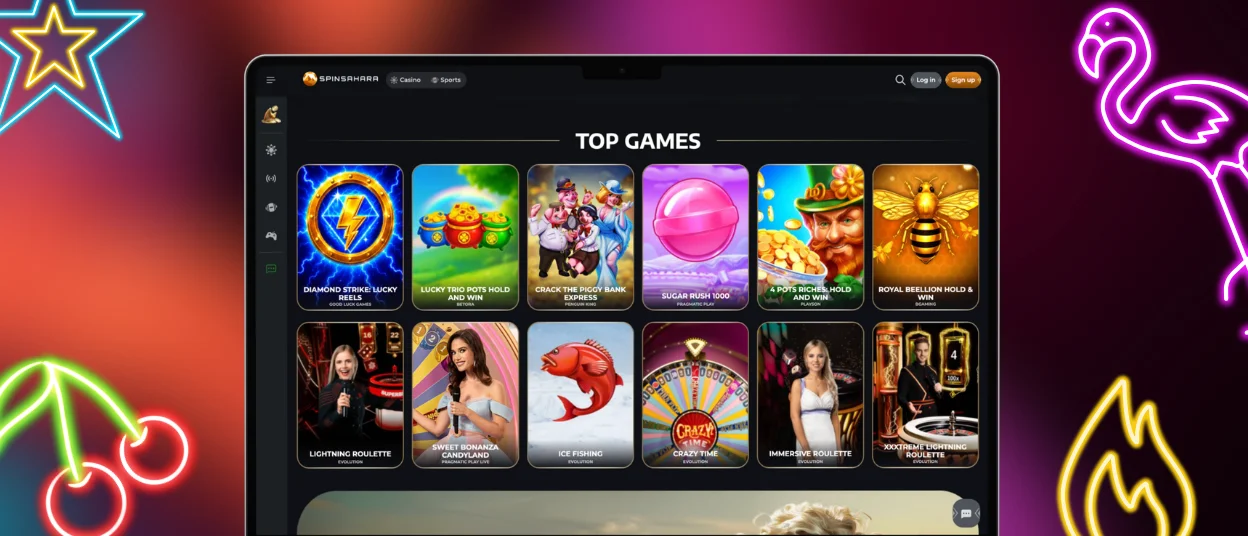
| Full Casino Lobby | Browse over 6,000 games, including slots, table games, instant-win titles, and live casino games from a phone or tablet. |
| Account & Payments | Manage your personal details, verification, bonuses, deposits, withdrawals, transaction history, and responsible gambling settings from your account. |
| Mobile Interface | Spinsahara adjusts the layout for smaller screens and keeps menus and key casino sections practical to use with touch controls. |
| Web Push Notifications | Subscribe to browser notifications and receive platform updates without opening the website to check for them manually. |
| 24/7 Live Chat | Contact our support team through live chat at any time if you need help with your account or the casino platform. |
Spinsahara App for iPhone and iPad
Safari lets you place Spin Sahara directly on the Home Screen of an iPhone or iPad. You can complete the setup through the Share menu:
- Open Spinsahara in Safari.
- Tap the Share button, shown as a square with an upward arrow.
- Scroll down and select “Add to Home Screen.”
- Tap “Add” to confirm.
Your device will place the icon on the Home Screen. You can then move it to the position that suits you best and open the casino from there.
Spinsahara Casino App for Android
Chrome gives Android users a similar option through the browser menu. Follow these steps:
- Open Spinsahara in Chrome.
- Tap the three-dot menu in the address bar.
- Select “Add to home screen.”
- Tap “Add” to confirm.
- Swipe up from the bottom of the Home Screen to open the app drawer if you want to reposition the icon.
- Touch and hold the icon, drag it to the preferred location, and release it.
After that, the icon stays with your other apps and shortcuts, so you can return to the casino without searching for the site again.
Spinsahara APK
We do not distribute a Spinsahara APK because the casino uses PWA technology instead. Chrome handles the setup directly through the browser, so Android users do not need to download a separate installation package from Spin Sahara or from third-party websites.
Play Spinsahara on Windows and Mac
You can use Spin Sahara in a regular browser on Windows and macOS, so installing the PWA is optional. The main advantage is convenience if you return to the casino often: a Spinsahara icon on your desktop, Start menu, or Dock gives you a direct way to open the platform without searching for the site or keeping a browser tab open.
Supported browsers can install the PWA or create a shortcut from their menu. In browsers that support a standalone PWA window, Spin Sahara can also open separately from your regular tabs, which helps keep the casino apart from the rest of your browsing.
If you prefer the standard browser experience, nothing changes — you can continue using our platform directly on the website.
PWA Security Advantages
PWA technology also affects how Spinsahara interacts with your device. The browser controls much of that interaction and adds several useful security layers.
- Sandboxed browser environment. Spin Sahara runs inside the browser sandbox. The browser restricts the PWA’s access to device files and system resources.
- Permission-based access. Features such as the camera or local storage stay behind browser permissions. If Spinsahara needs access to one of them, the browser asks you first.
- HTTPS and TLS 1.3. We use HTTPS with TLS 1.3 to encrypt traffic between your device and our servers. Secure key exchange forms part of that encrypted connection.
- Automatic security updates. We publish security fixes through the web application. The PWA loads the current version when you open it, so there is no separate app build to download or update.
FAQ
Do I need a separate account for the Spinsahara app?
No. Sign in with the same account you already use on our website. You do not need to register again after adding the app to your device.
Does the Spinsahara app take up much space?
The PWA uses little device storage compared with a traditional downloaded application. Most of the content loads through the browser when you open our platform.
What happens if I remove the Spin Sahara icon?
You remove the shortcut, not your casino account. You can add the icon to your device again whenever you need it.
Can I add the Spinsahara app to more than one device?
Yes. You can add Spinsahara to several supported devices and use the same account on each of them.
What should I do if the Spin Sahara app does not open correctly?
Open our casino again from the shortcut. If the same problem returns, contact our support team and send your username together with a screenshot of the error message.


